Change Your Password
Follow the steps below to change your password.
Log into Docs.ink
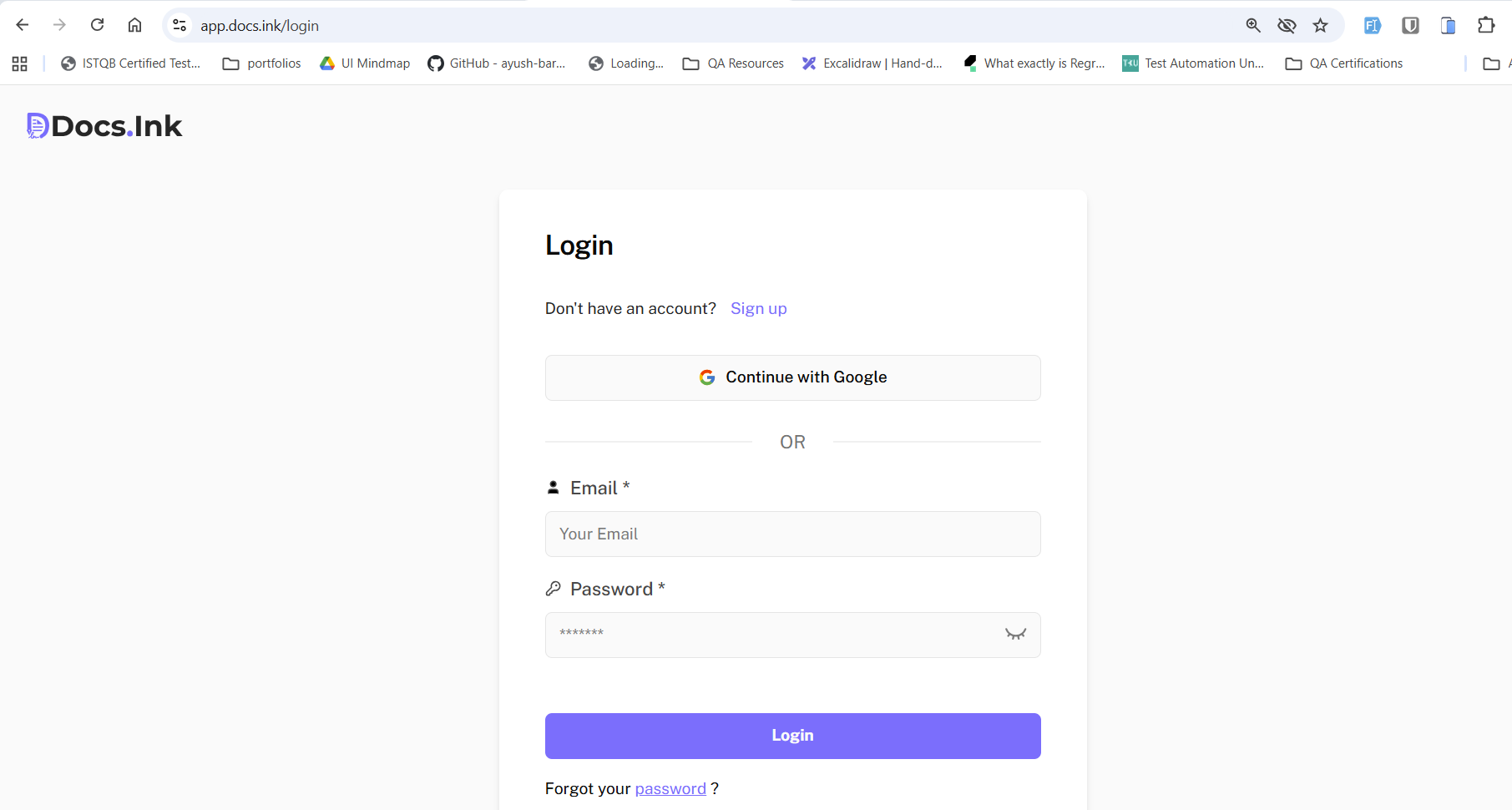
Open your browser and go to login page.
Enter your email address and current password. → Click “Login”.
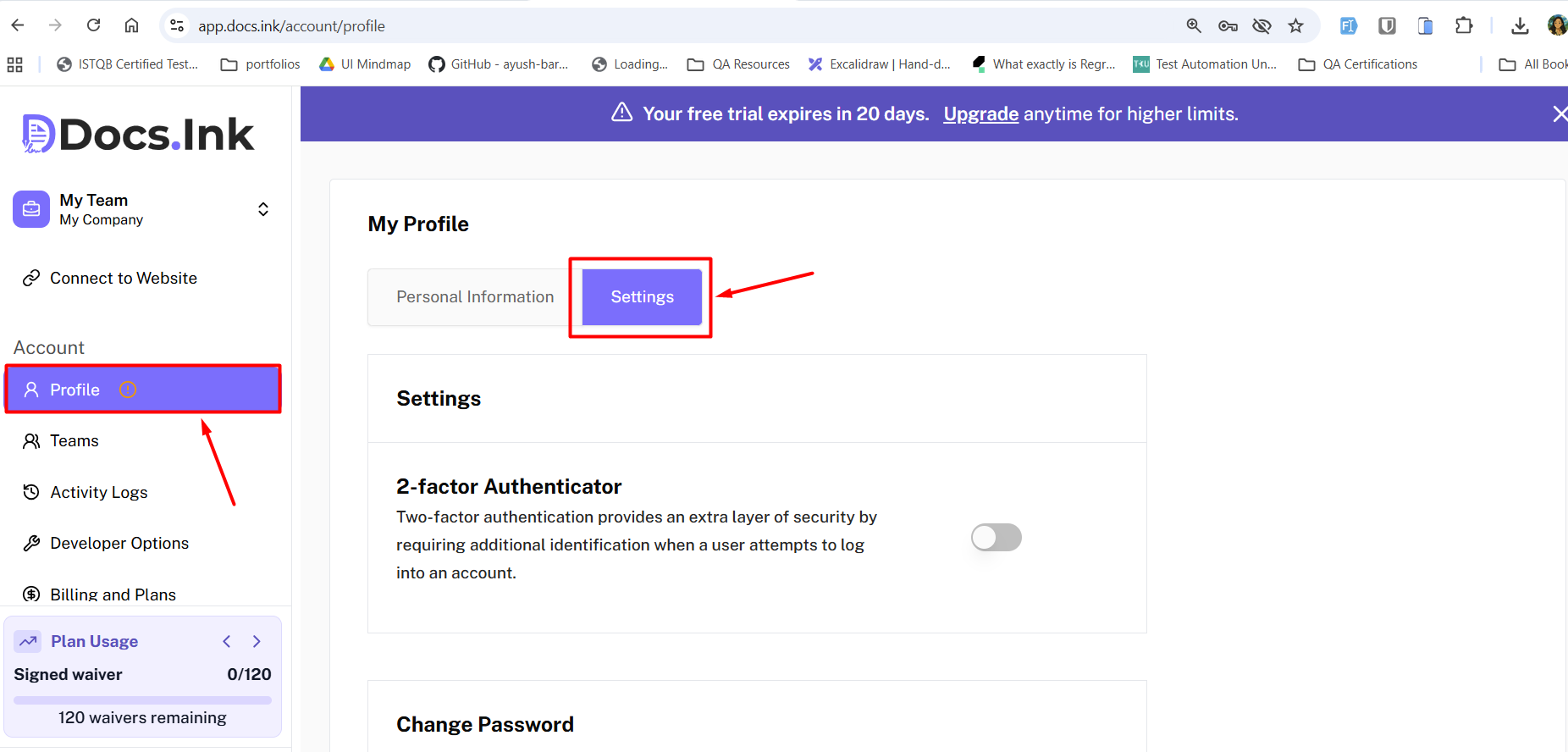
Navigate to Profile Settings
Go to Profile → Settings
Change your Password
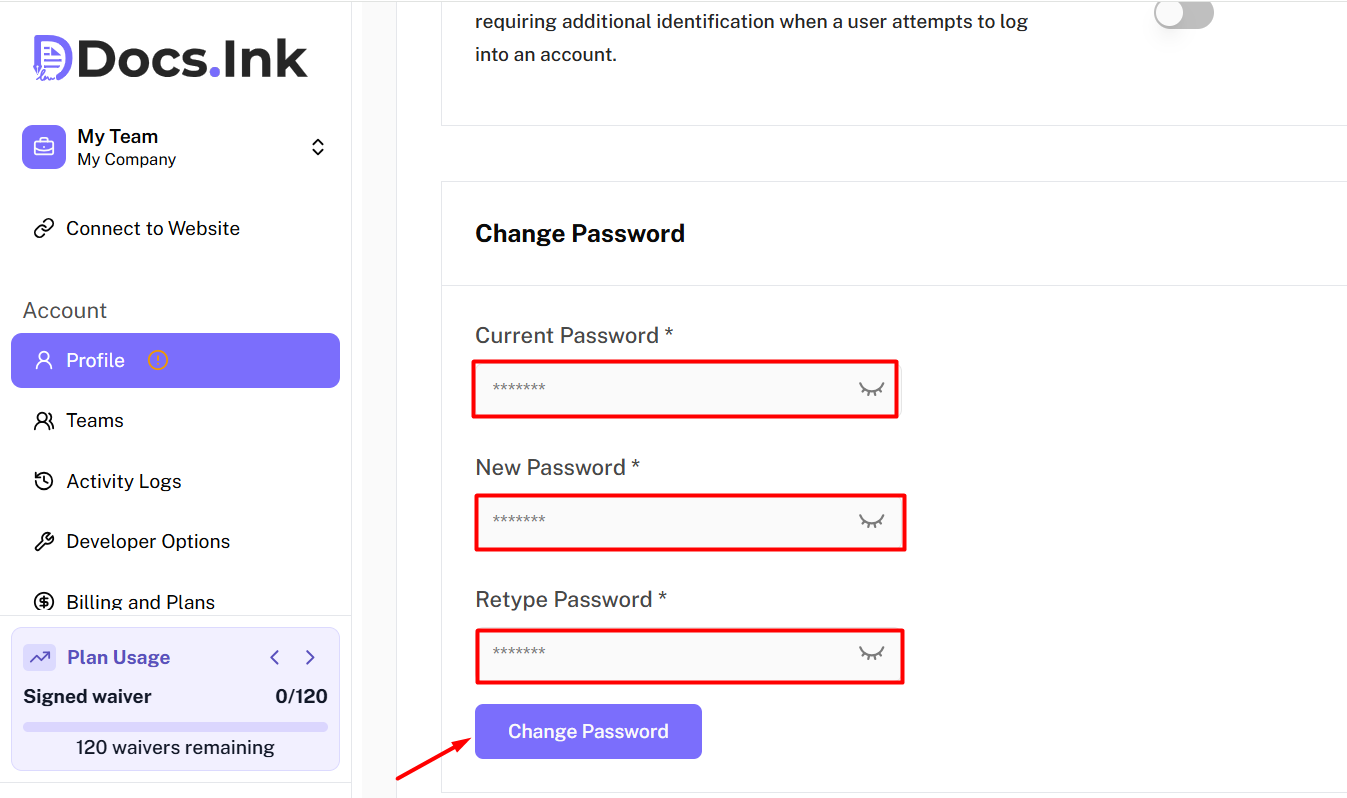
Enter Current Password
Enter new password and confirm password
→ Click on “Change Password”.
Confirmation
A green success message will appear and you will be redirected back to the login page.
Login with your new password.
Last updated on