View Signed Waivers
Follow the steps below to View your signed waivers.
You can check in participants, preview the signed waivers, or download the documents in PDFs as needed.
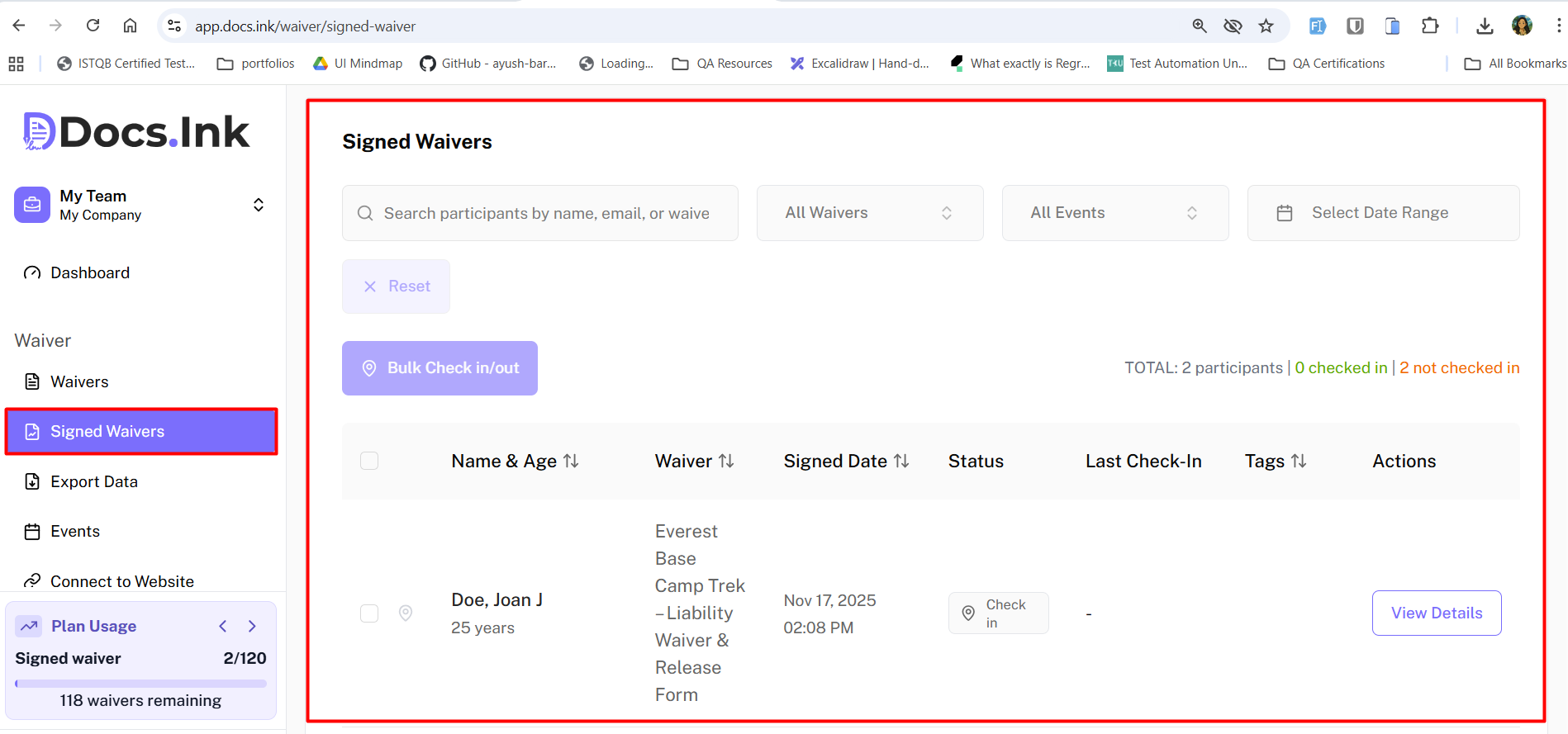
Navigate to Signed Waivers Tab from Dashboard
Once you’re in Signed Waivers Tab.
To Check-in/ Check-out a participant, → click on the Check-in button next to their name in the participant details.
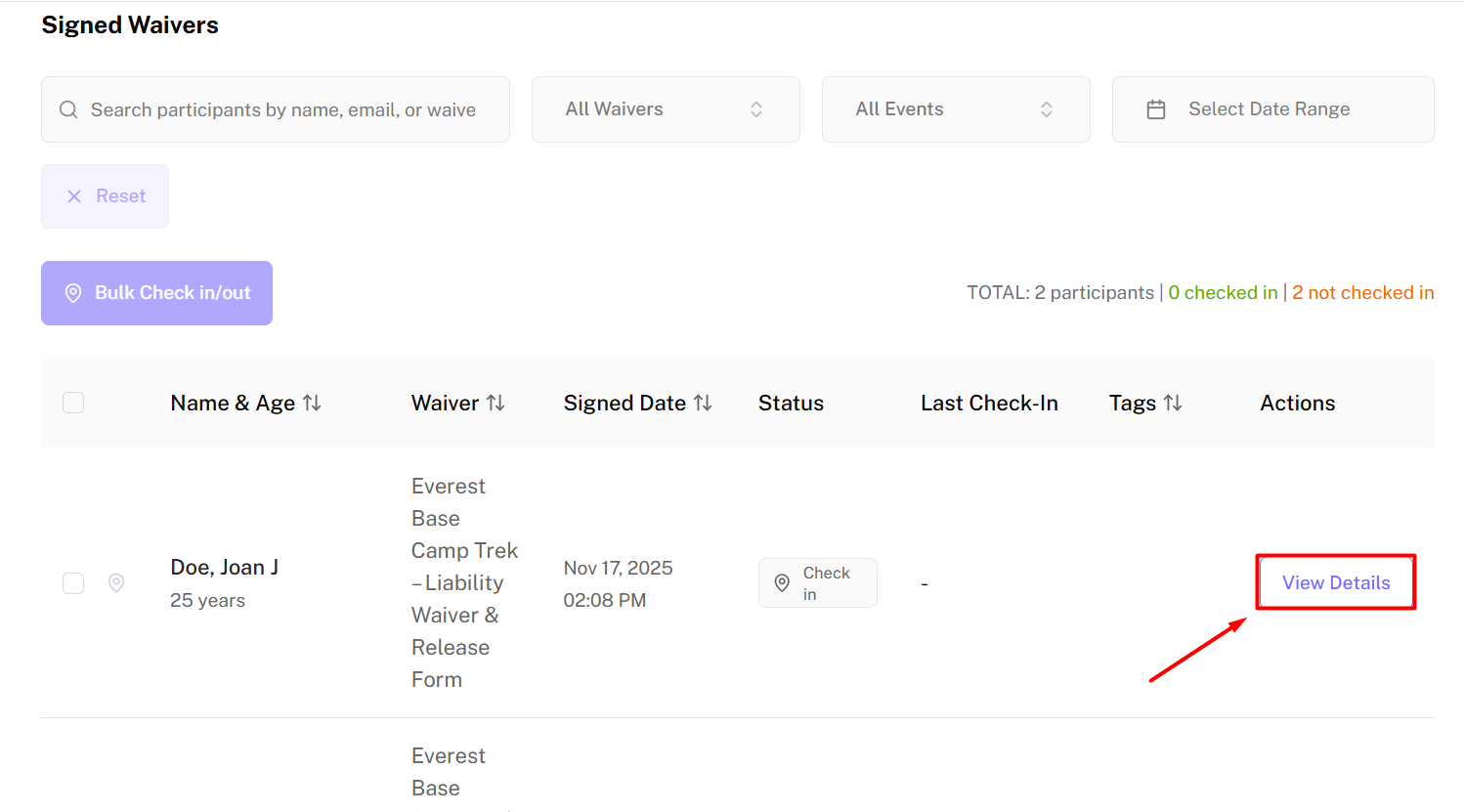
View Participant Details
Once you’re in Signed Waivers Tab, → Click on the View Details of the participant you want to view.
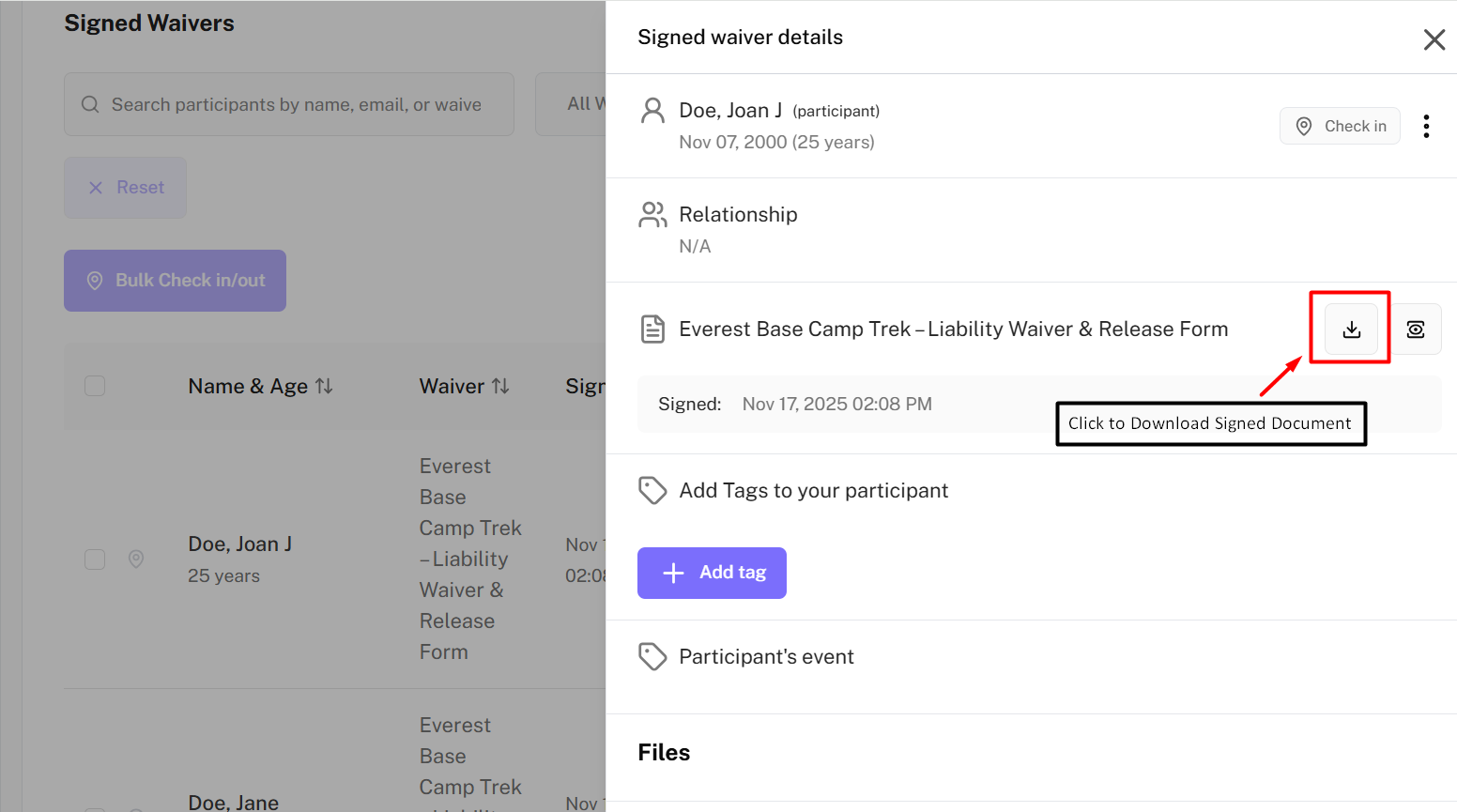
Download Signed Waiver
To download the signed waiver as a PDF, → click on the Download PDF button in the participant details next to the Waiver Title.
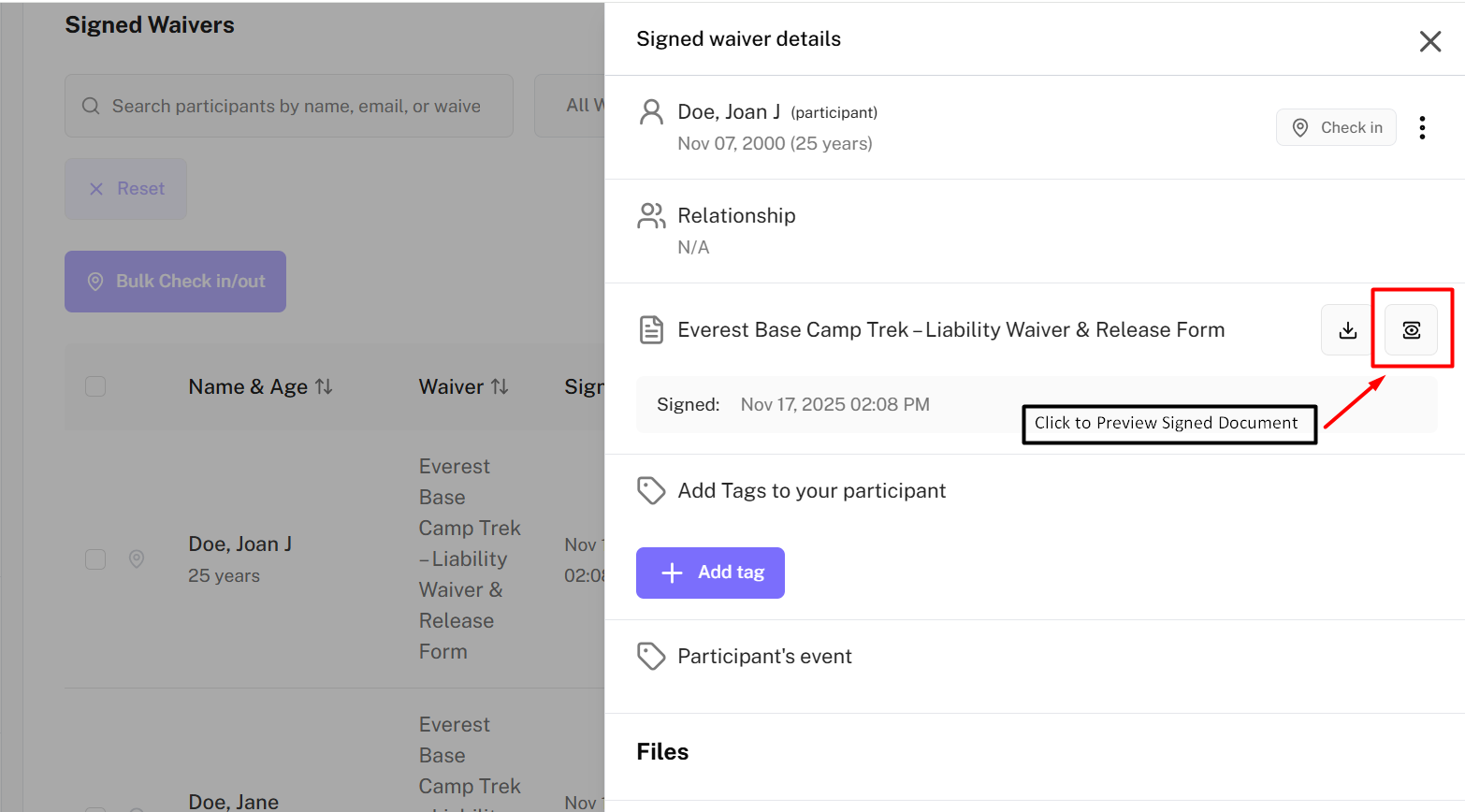
Preview Signed Waiver
By previewing the signed waiver, you can see all participant’s information filled in without downloading the document . To preview the signed waiver, → click on the Preview button in the participant details next to the Waiver Title.
You can always bulk export the signed waivers Participants, Check-in, and Waiver data from Export Data tab in your dashboard.