Reset Your Password
Follow the steps below to reset your password.
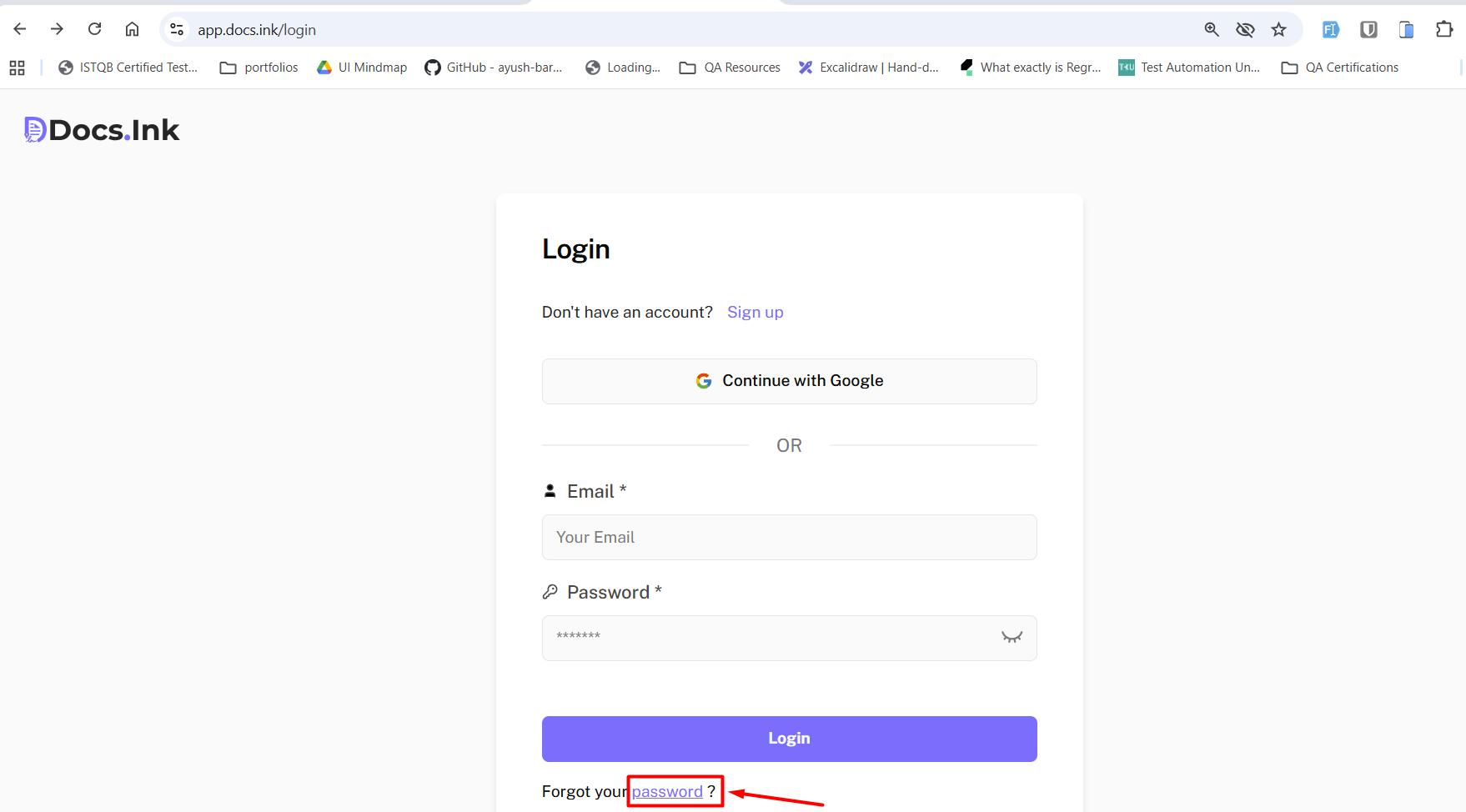
Go to Docs.Ink login page
Click forgot password below the login button.
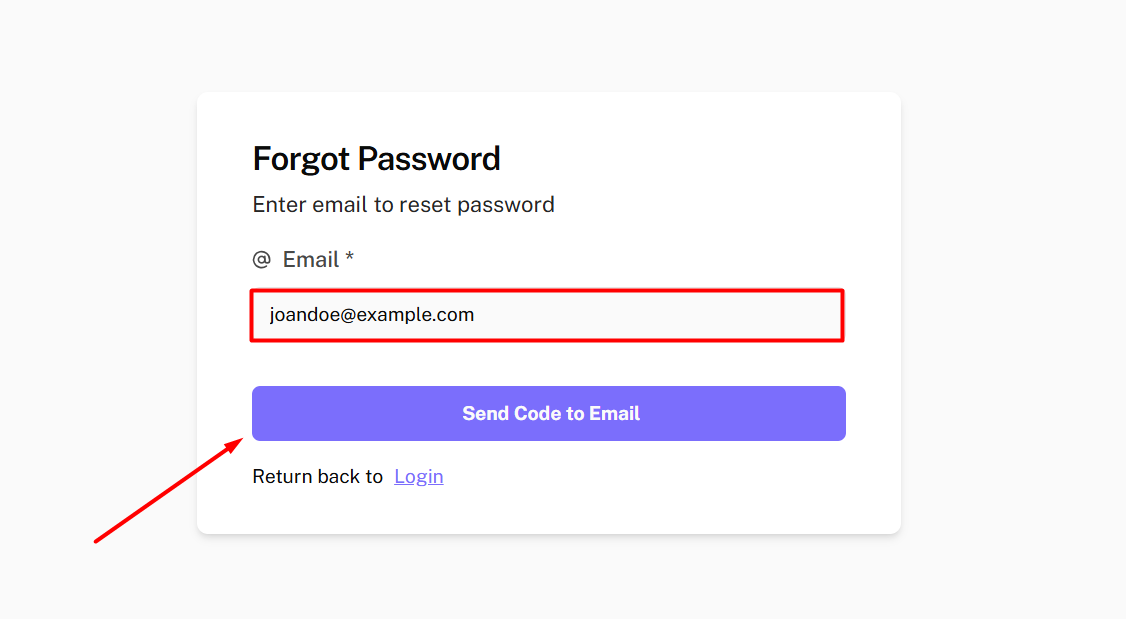
Verify your email.
Enter your registered email → click Send Code to Email. Check your inbox for the reset code.
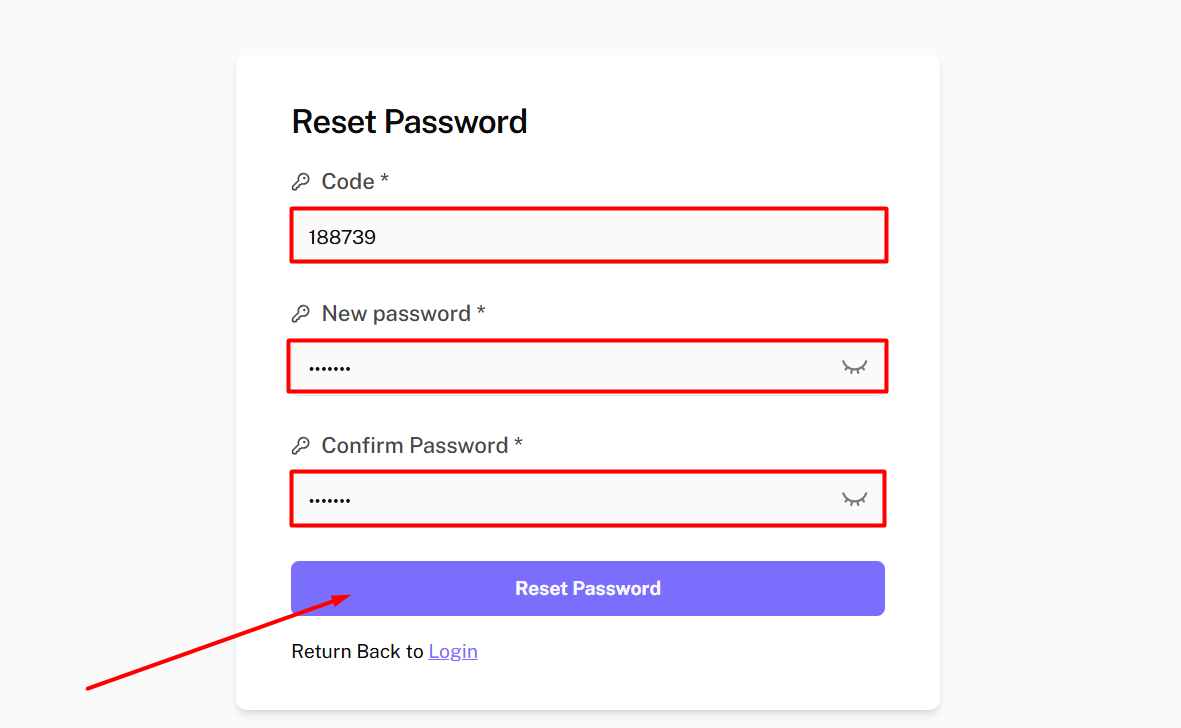
Enter the received code
Enter the code you received in your email. If you did not receive the email, → Click on “Resend Code” to get a new code.
Set a New Password
Create a new password and confirm it by entering it again. → Click on “Reset Password”.
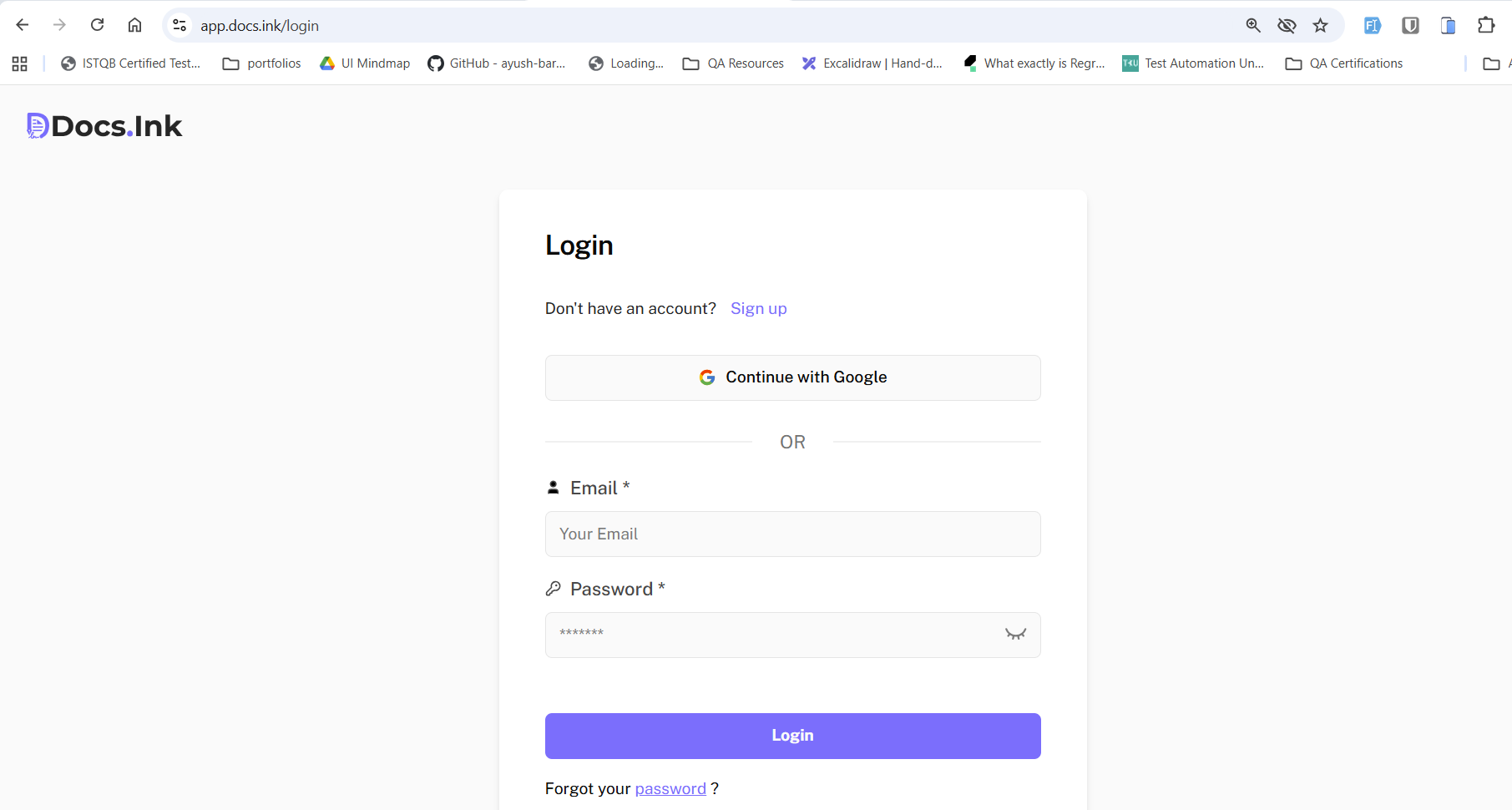
After resetting the password you will be redirected back to login page.
Last updated on