Register on Docs.Ink
Welcome to Docs.Ink - your all-in-one online waiver solution!
Manage your waivers digitally. Follow this quick guide to register and get started.
Step-by-Step Registration Guide
Go to Docs.Ink website Register page.
Open your web browser and go to: Docs.Ink →
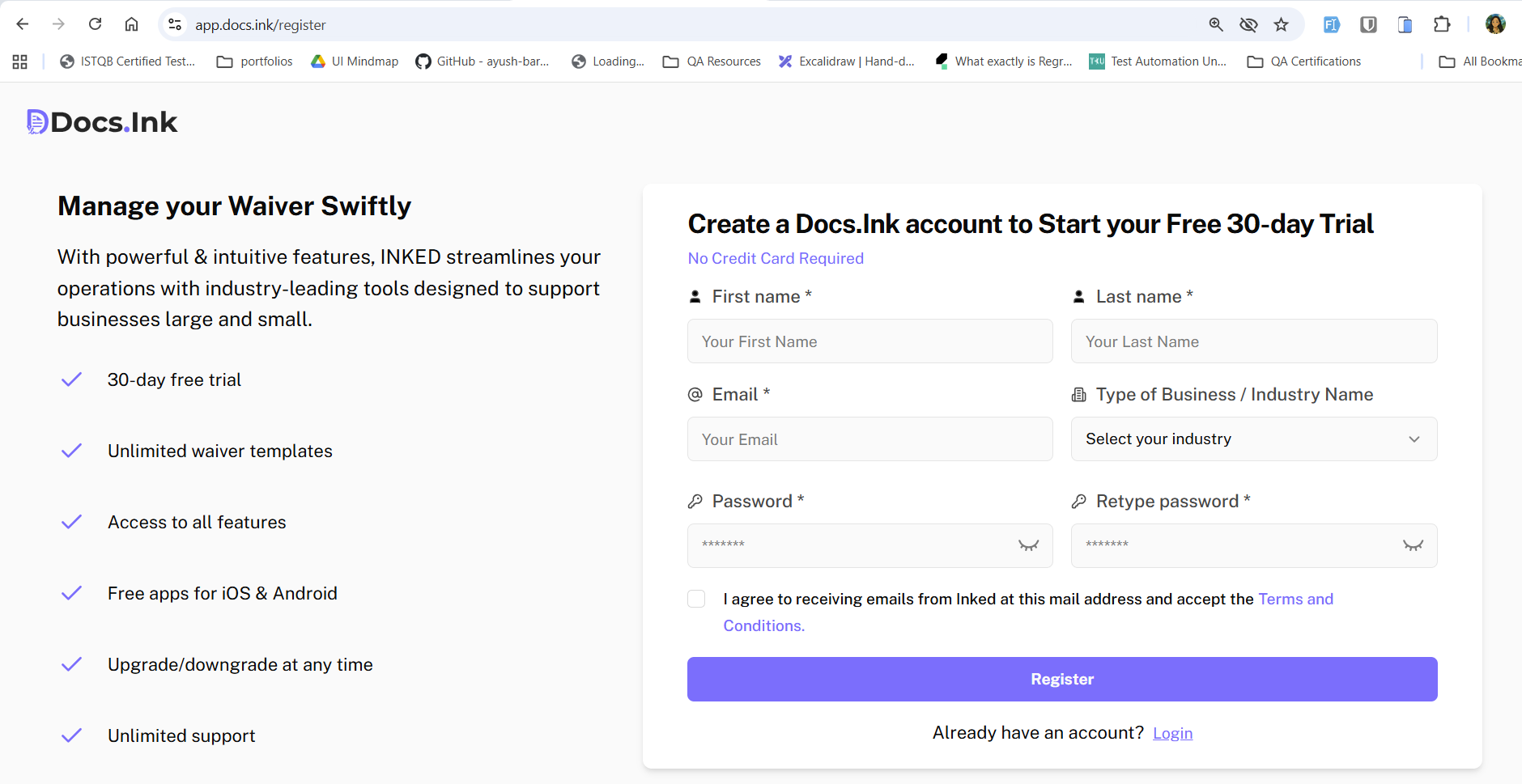
Enter your details
- Enter your Full Name
- Enter a valid Email Address
- Select Industry Type. If not listed, choose Other.
- Create a strong Password
Accept Terms and Conditions
Read and accept the Terms and Conditions by checking the box.
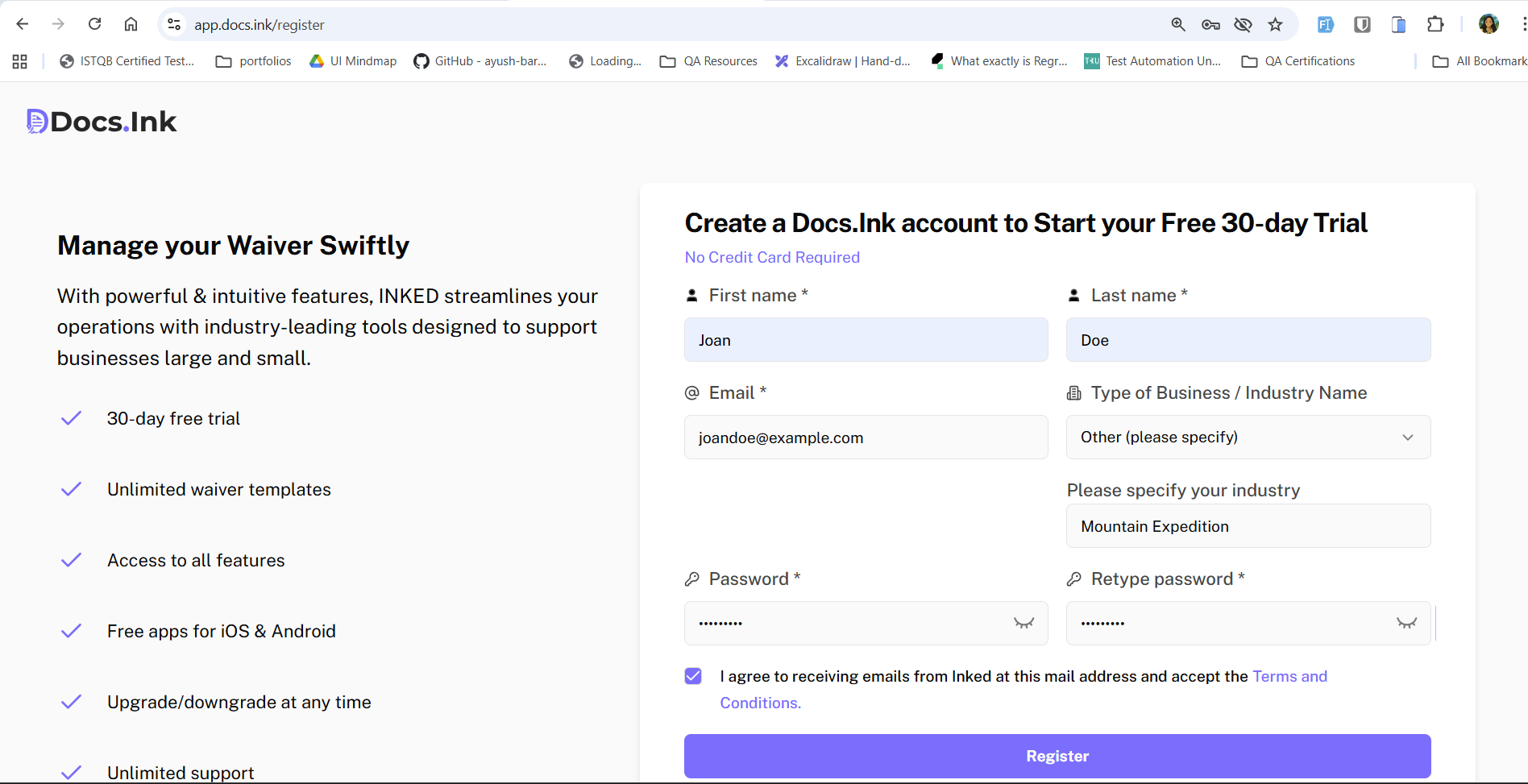
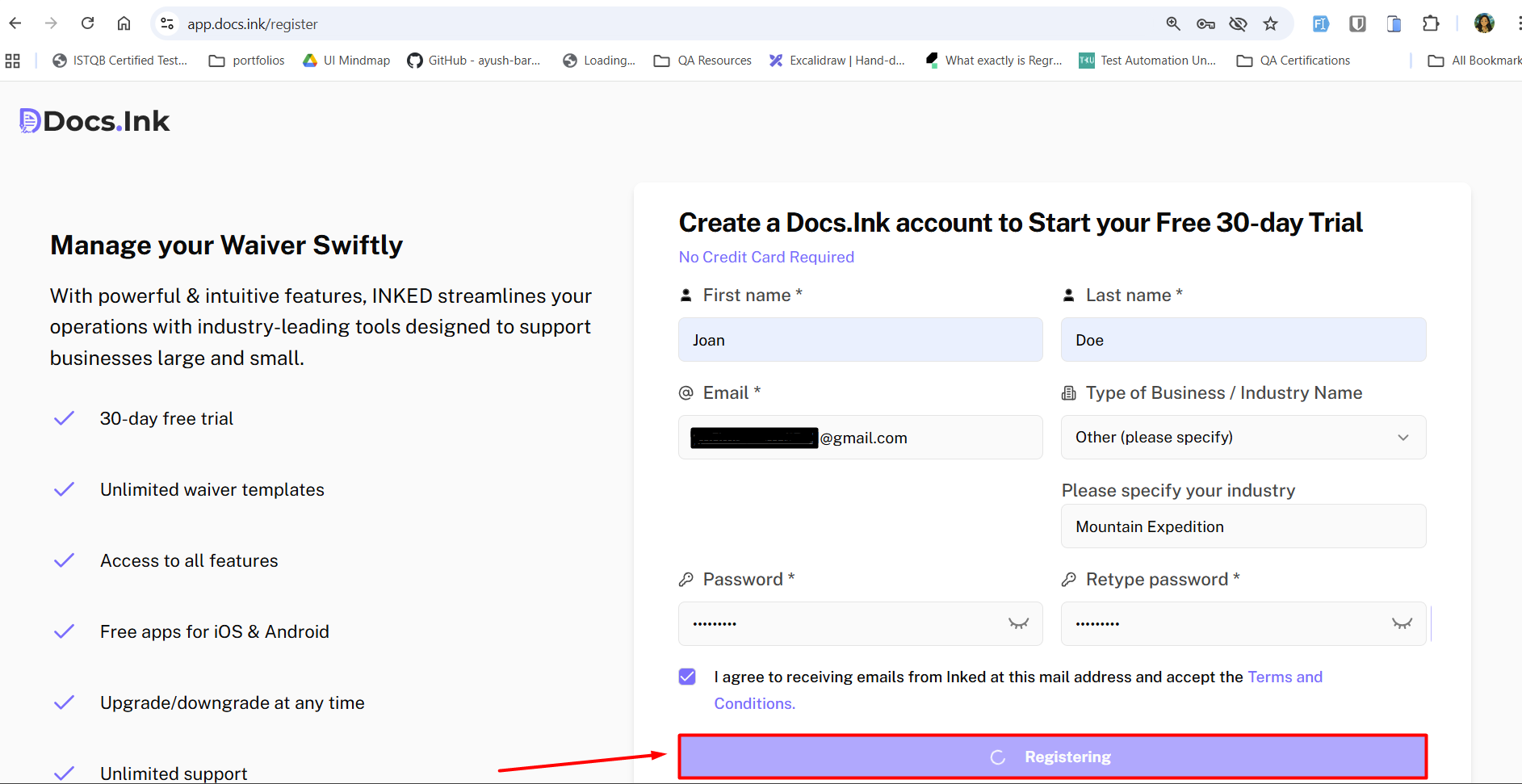
Register your Account
→ Click the ‘Register’ button to create your account. Check your email inbox for a verification email from Docs.ink.
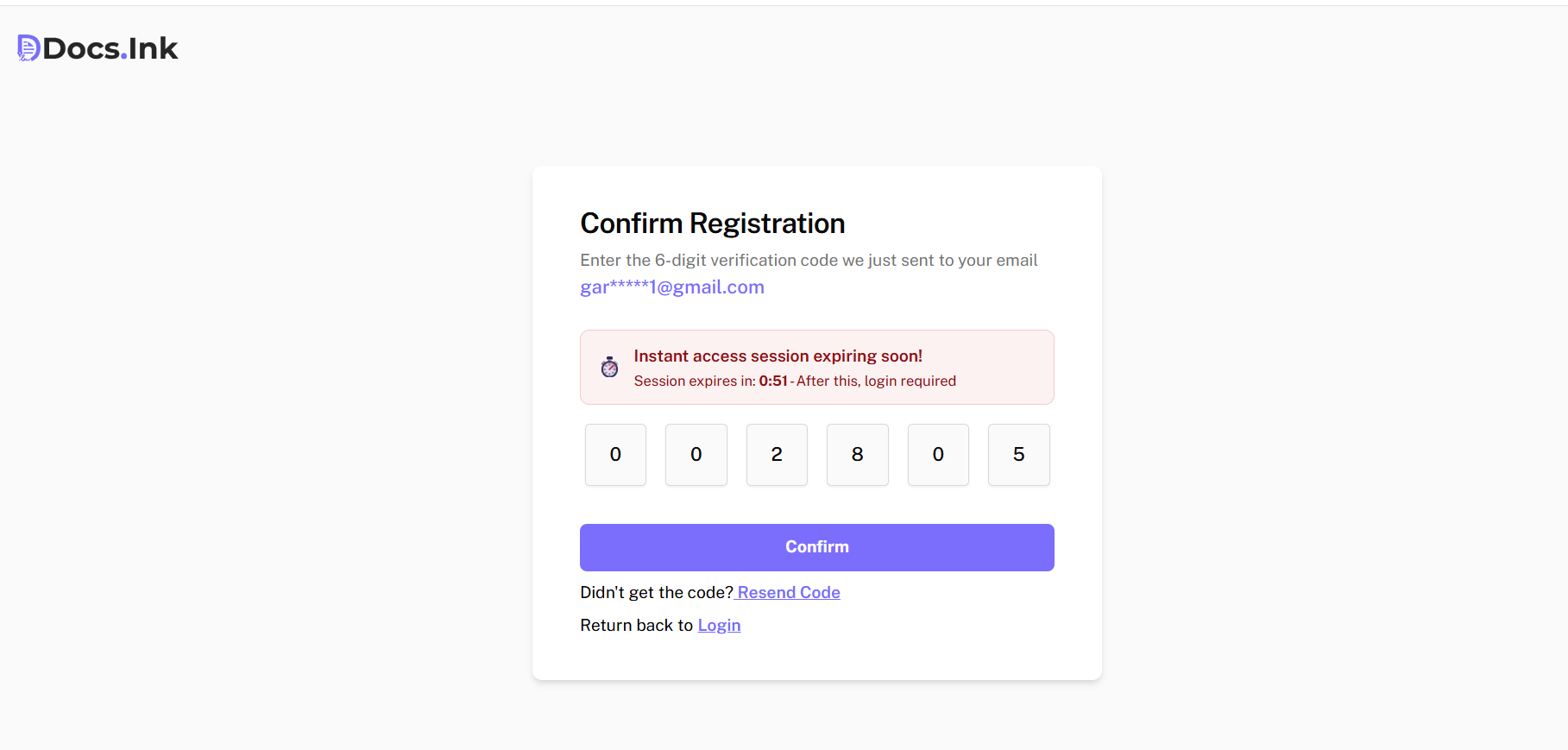
Email Verification
Check your email inbox for a verification email from Docs.ink
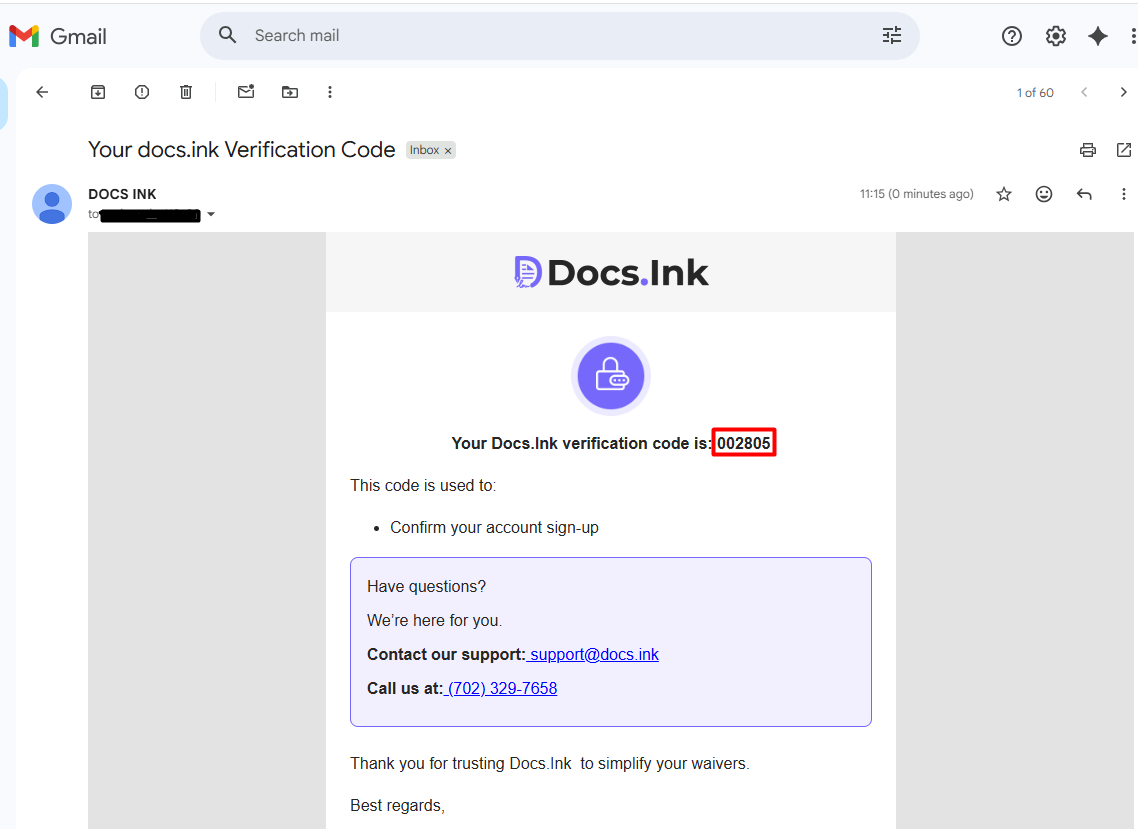
Copy the verification code from received email and paste it to ‘Confirm Registration‘ section to complete account creation. → Click on ‘Confirm’ button.
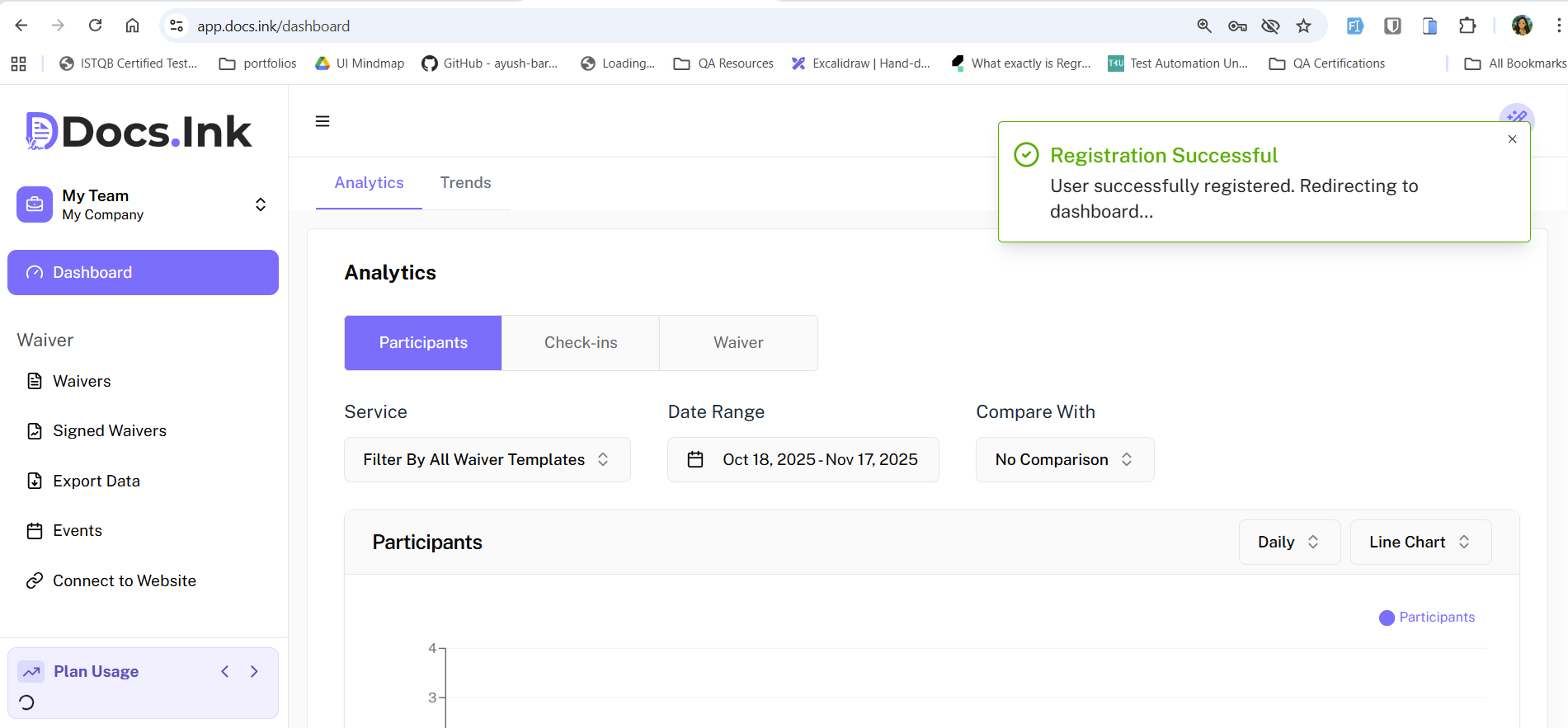
Account created successfully
Once verified, you will be redirected to Docs.Ink Dashboard. Or, you can log in and begin using the Docs.ink features.
Need Help?
If you encounter any issues during registration, please contact our support team at support@docs.ink.
Last updated on