Login to Your Account
Welcome to Docs.Ink – your all-in-one online waiver solution!
Log in to your account to start creating waivers and sending them for signing quickly and securely.
Steps to Login
Once you’ve successfully registered and verified your email, follow these steps to log in:
Go to Docs.Ink website Login page
Go to Docs.Ink →
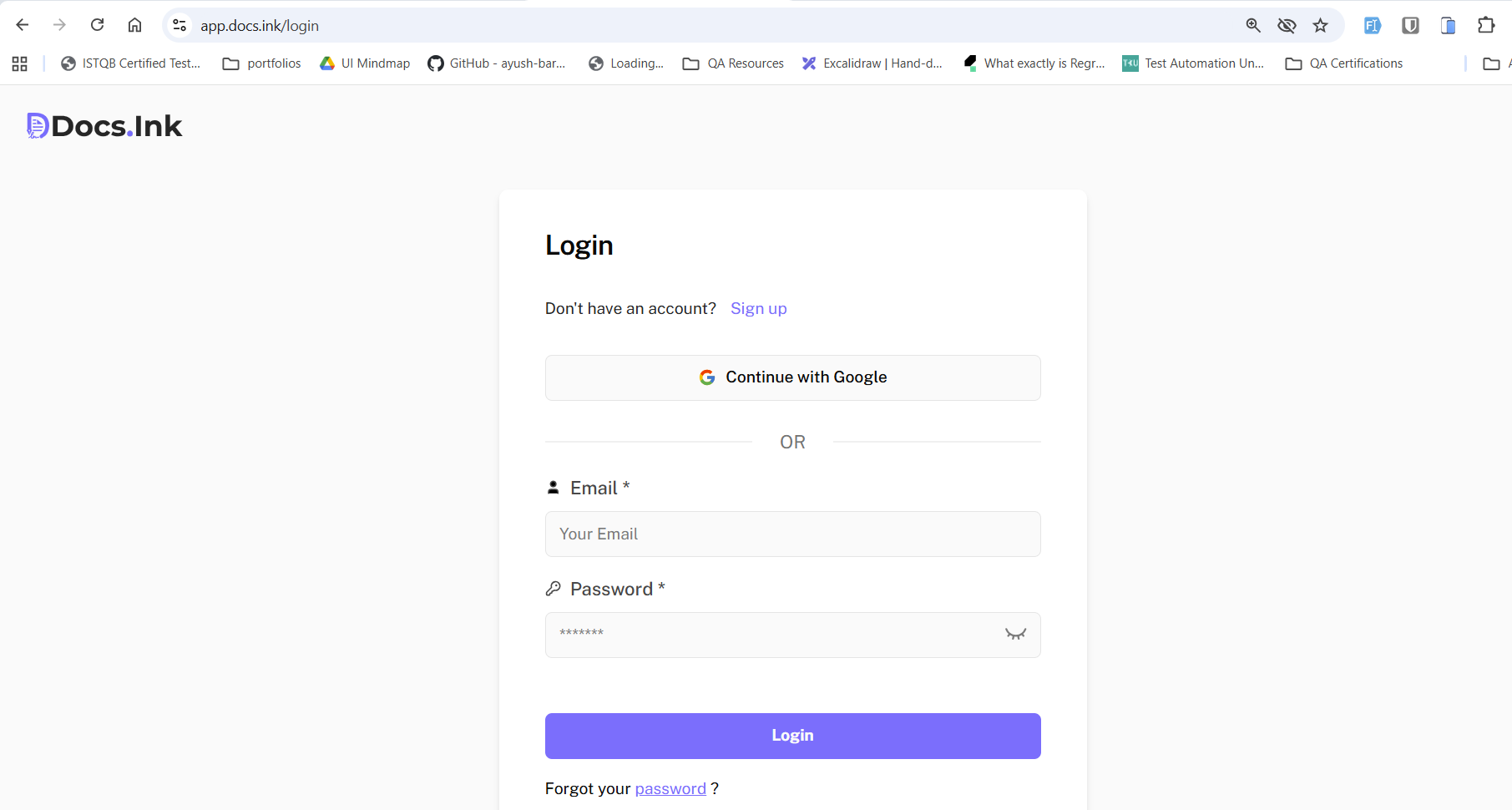
Enter your Details
Enter your Registered Email and Password
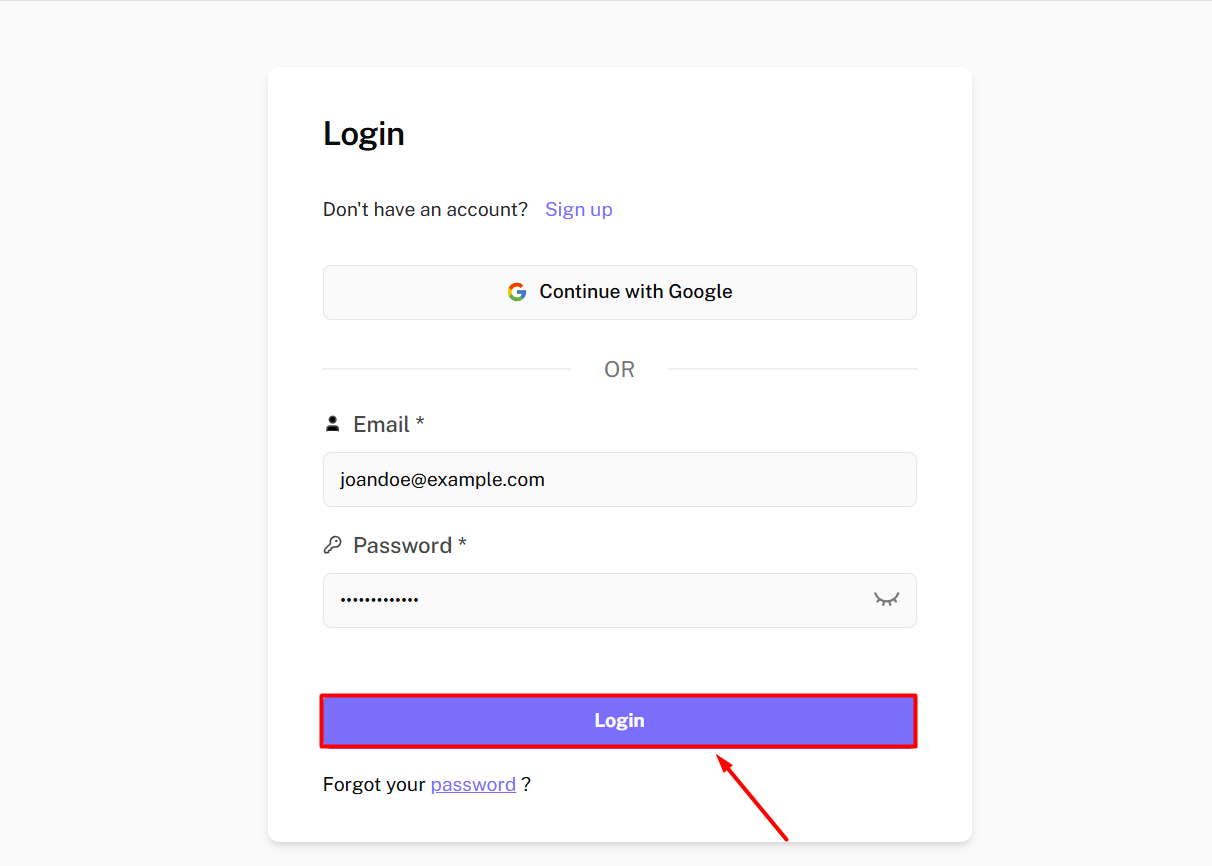
Login to your Account
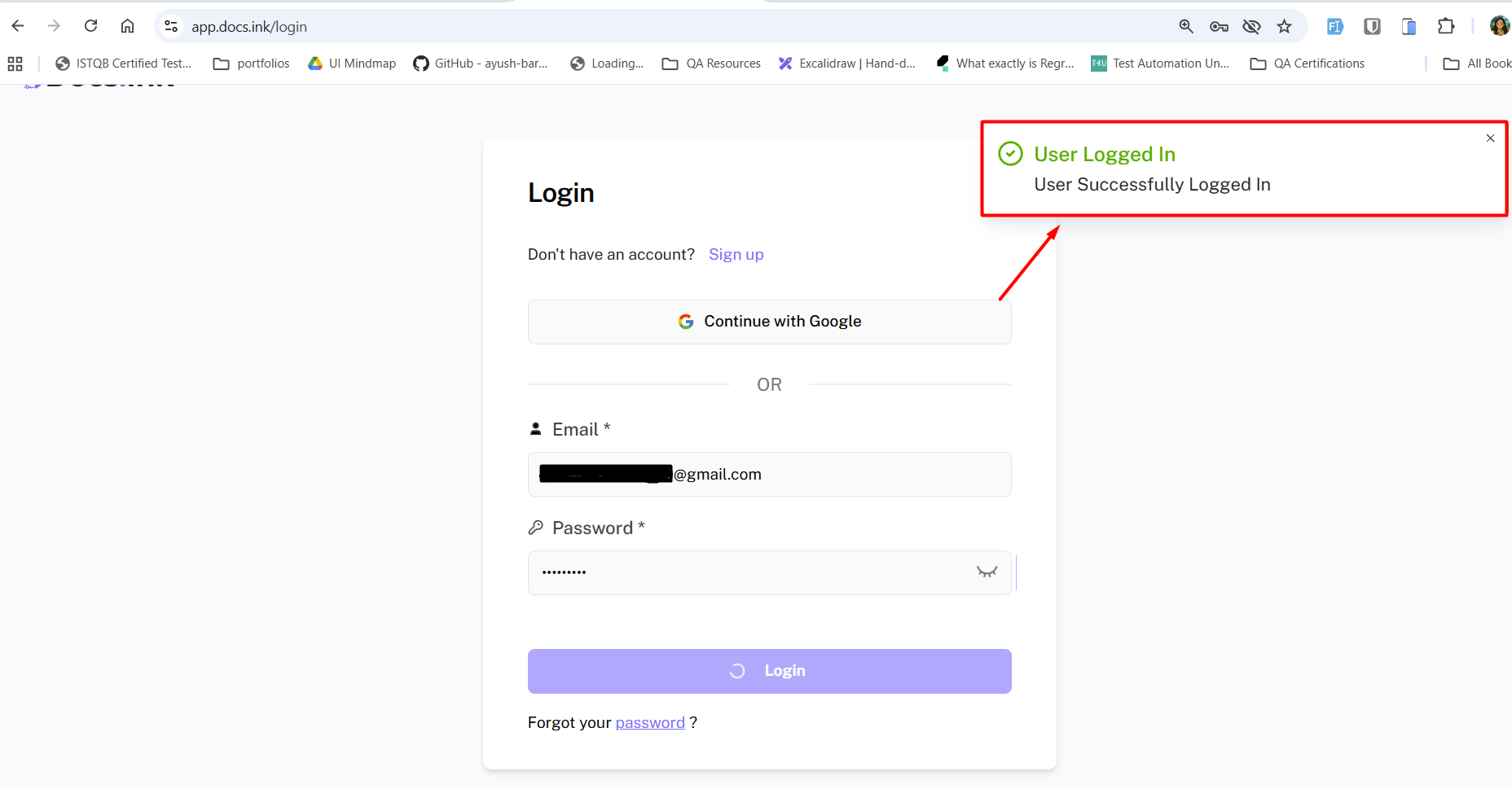
→ Click the ‘Login’ button. If your credentials are correct, you will be redirected to your dashboard.
If you have not registered yet, please refer to the registration guide to register to Docs.Ink.
Need Help?
If you encounter any issues during registration, please contact our support team at support@docs.ink.
Last updated on